This post contains affiliate links. We may earn a commission if you click on them and make a purchase. It’s at no extra cost to you and helps us run this site. Thanks for your support!
Designers often wonder if the classic PSD file survived the generative AI revolution. Photoshop mockups remain not just relevant, but vital, serving as the trusted backbone of professional branding in 2026. While AI generates pixels, mockups generate precision. We find ourselves in a unique era where control outweighs speed. You cannot build a coherent brand identity on hallucinations alone. Consequently, the industry has moved toward a new standard. We call this the Hybrid Reality Asset (HRA) framework. This article explores how Photoshop mockups have evolved, why they defeat pure generative imagery, and how you can leverage them.
Why are Photoshop mockups essential in the era of generative design?
Generative AI changed how we visualize ideas, yet it failed to replace the structural integrity of Photoshop mockups. AI tools create beautiful images, but they lack “object permanence.” You generate a scene, but you cannot easily replace the label on a bottle without breaking the lighting. Photoshop mockups solve this specific friction point. They provide a container for truth.
In 2026, we categorize design assets through the Anchor Point Theory. This theory suggests that while AI provides fluid inspiration, Photoshop mockups act as the “anchor” where brand guidelines lock into reality. A client needs to see their exact logo, in the exact Pantone color, on a specific material. AI approximates; professionally designed templates validate. Therefore, the usage of high-fidelity PSD files has actually increased among top-tier agencies. They use these files to prove that a concept works in physical space, not just in a neural network’s dream.

The Rise of the Layered Trust Protocol
We need to define a critical term for 2026: the Layered Trust Protocol. This concept explains why art directors prefer Photoshop mockups over raw Midjourney or Firefly outputs.
- Verification: Layers allow you to deconstruct the image.
- Editability: Smart Objects preserve the source data.
- Consistency: The same mockup yields identical results across different campaigns.
When you use Photoshop mockups, you adhere to this protocol. You offer your client an editable promise rather than a flattened JPEG. Hence, the “Layered Trust Protocol” establishes a Photoshop mockup as the professional standard for deliverable assets.

How have Photoshop mockups changed by 2026?
The static templates of 2023 look ancient compared to the dynamic Photoshop mockups we use today. We now utilize what I call Neural-Smart Objects. In the past, you pasted a design into a Smart Object, and it sat flat on the surface. Now, Adobe’s integrated AI reads the texture depth of the mockups and warps your vector data intelligently.
However, the core file structure remains familiar. You still open a PSD. You still click layers. But the interaction between the layer and the lighting is generative. This is the Hybrid Reality workflow. It combines the absolute control of a PSD with the rendering speed of a text-to-image generator.
Feature Comparison: 2023 vs. 2026
- 2023: Manual displacement maps required for texture.
- 2026: Auto-sensing surface mapping within Photoshop mockups.
- 2023: Static backgrounds.
- 2026: Generative fill backgrounds that respect the subject’s lighting.
- 2023: Large file sizes for high resolution.
- 2026: Cloud-linked assets keep mockups lightweight.
This evolution ensures that PS mockups remain the preferred tool for packaging designers. You get the realism of AI without sacrificing the editability of a traditional template.

What are the advantages of using Photoshop mockups today?
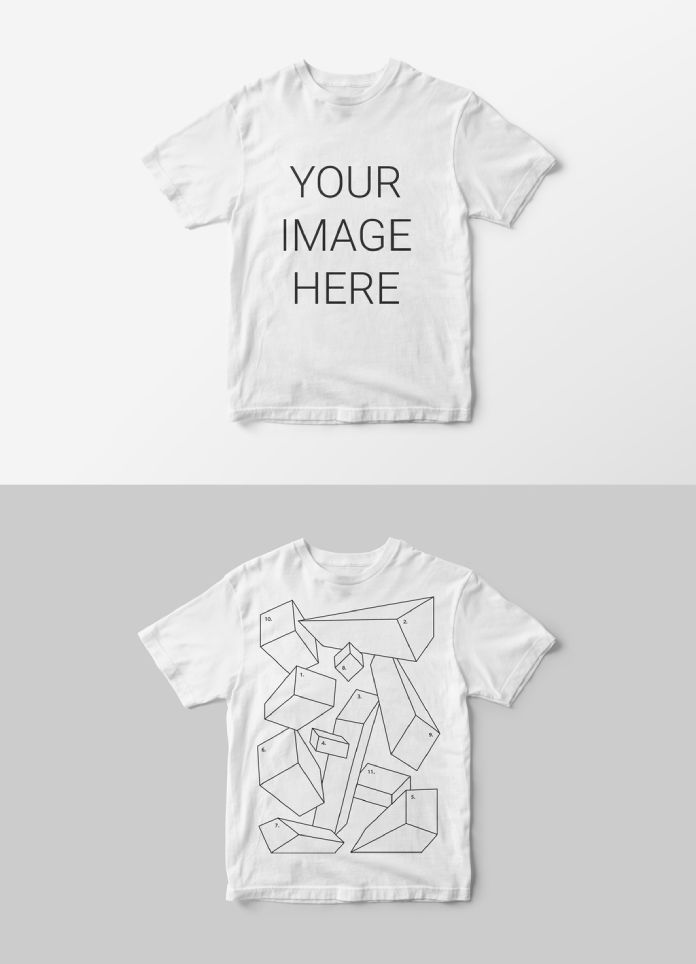
You might ask why we don’t just prompt a specialized model to “show this logo on a shirt.” The answer lies in the Tactical Tangibility Index. This metric measures how “real” a product feels to a manufacturer. A professional mockup scores highest here.
absolute Precision and Brand Safety
AI models hallucinate text and warp geometries. Photoshop mockups rely on your exact vectors. When you present a branding project, you cannot afford a warped typeface. Mockups guarantee that your typography remains distinct and accurate. Furthermore, legal teams require exact representations of packaging die-lines. Only Photoshop mockups allow you to overlay technical grids over photorealistic renderings.
Non-Destructive Workflows
Generative images are destructive by nature. To change a detail, you often generate a new image. In contrast, Photoshop mockups utilize non-destructive Smart Filters. You can tweak the glossiness of a paper texture without regenerating the scene. This flexibility saves hours during client revision rounds. Therefore, professional mockups remain the most efficient route for final delivery.

What are the disadvantages and friction points?
We must be honest about the drawbacks. Photoshop mockups in 2026 face the Prompt-to-PSD Latency issue. It takes longer to find, download, and configure a PSD than it does to type a prompt.
The Barrier of Entry
Newer designers raised on instant generation find Photoshop mockups cumbersome. They require technical knowledge of masking, blending modes, and hierarchy. Consequently, there is a skills gap. Junior designers often struggle to make Photoshop mockups look as “vibey” as their AI-generated mood boards.
File Bloat and Storage
Despite cloud linking, high-end Photoshop mockups are massive. A 16K resolution file for a billboard presentation consumes significant bandwidth. Storing thousands of Photoshop mockups creates digital clutter that text prompts do not.
How to use the “Hybrid Reality” Framework
To succeed in 2026, you must adopt a hybrid workflow. Do not choose between AI and Photoshop mockups. Use them sequentially.
- Ideate with AI: Generate your scene composition and lighting references.
- Anchor with PSD: Find Photoshop mockups that match this composition.
- Synthesize: Use the AI-generated image as a texture map within your mockup.
This method gives you the “vibe” of 2026 with the structural integrity of a PSD. We call this technique Texture Injection. It allows you to create unique Photoshop mockups that no one else possesses.
Where do we find the best Photoshop mockups in 2026?
The marketplace has shifted. General stock sites are losing ground to curated boutique foundries. These creators build Photoshop mockups specifically for the hybrid workflow.
Look for libraries that offer Neural-Ready files. These files contain specific layers labeled for generative fill expansion. High-quality Photoshop mockups now include metadata that helps AI assistants understand the scene. This metadata improves how search engines and internal asset management systems categorize your downloads.
Developing Your Own Library
I recommend building a personal library of “Master Assets.” These are mockups you have vetted for lighting accuracy. Do not rely on random downloads for high-stakes presentations. Consistency builds trust. Your clients will recognize the quality of your Photoshop mockups even if they cannot articulate why they look better.
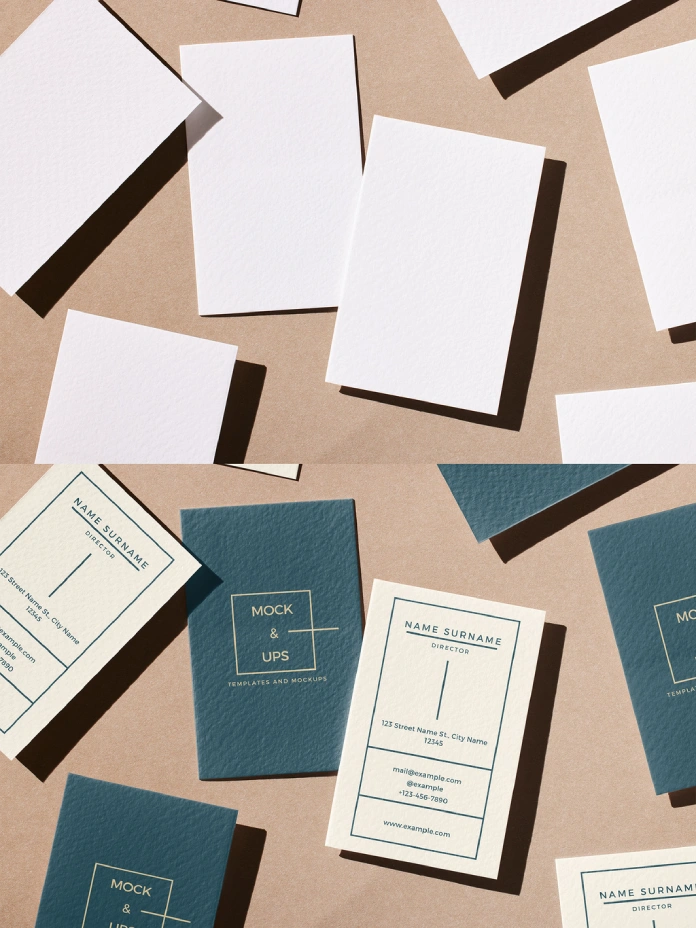
Future Predictions: The Death of the Flat JPEG?
I predict that by 2027, the standard delivery format will no longer be a JPEG or a standard PSD. We will likely see the .HYB (Hybrid) file format become standard. However, until then, Photoshop mockups serve as the bridge. They connect the wild creativity of AI with the rigorous demands of manufacturing.
The designers who win in 2026 are not the ones who prompt the fastest. They are the ones who curate the best Photoshop mockups. They understand that a presentation is a contract of reality. You must honor that contract with precision.
FAQ: Common Questions About Modern Mockups
Are Photoshop mockups still necessary in 2026?
Yes. Mockups provide the only reliable method for displaying precise branding vectors on physical objects without distortion or hallucination.
Can I use AI to create Photoshop mockups?
Absolutely. You can use tools like Midjourney to generate the base image, but you must convert that image into a layered PSD to create true mockups.
What is the “Layered Trust Protocol”?
This is a design framework stating that client deliverables must be verifiable and editable. Mockups fulfill this protocol; flattened AI images do not.
What is the difference between a Smart Object and a Neural Filter?
A Smart Object preserves your original design file within Photoshop mockups. A Neural Filter uses AI to alter pixels based on content. The best workflow uses both.
How do I make my mockups look less generic?
Apply the Texture Injection technique. Combine custom photography or AI textures with standard mockups to create a unique lighting environment.
Will Photoshop mockups become obsolete?
Not in the near future. As long as physical manufacturing exists, we need precise previews. Mockups simulate the physical limitations that pure AI often ignores.
Hungry for more? If so, feel free to browse WE AND THE COLOR’s Templates category to find other professional mockups and graphic design assets.
Subscribe to our newsletter!