
This post contains affiliate links. We may earn a commission if you click on them and make a purchase. It’s at no extra cost to you and helps us run this site. Thanks for your support!
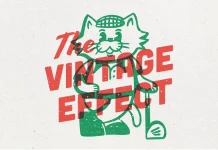
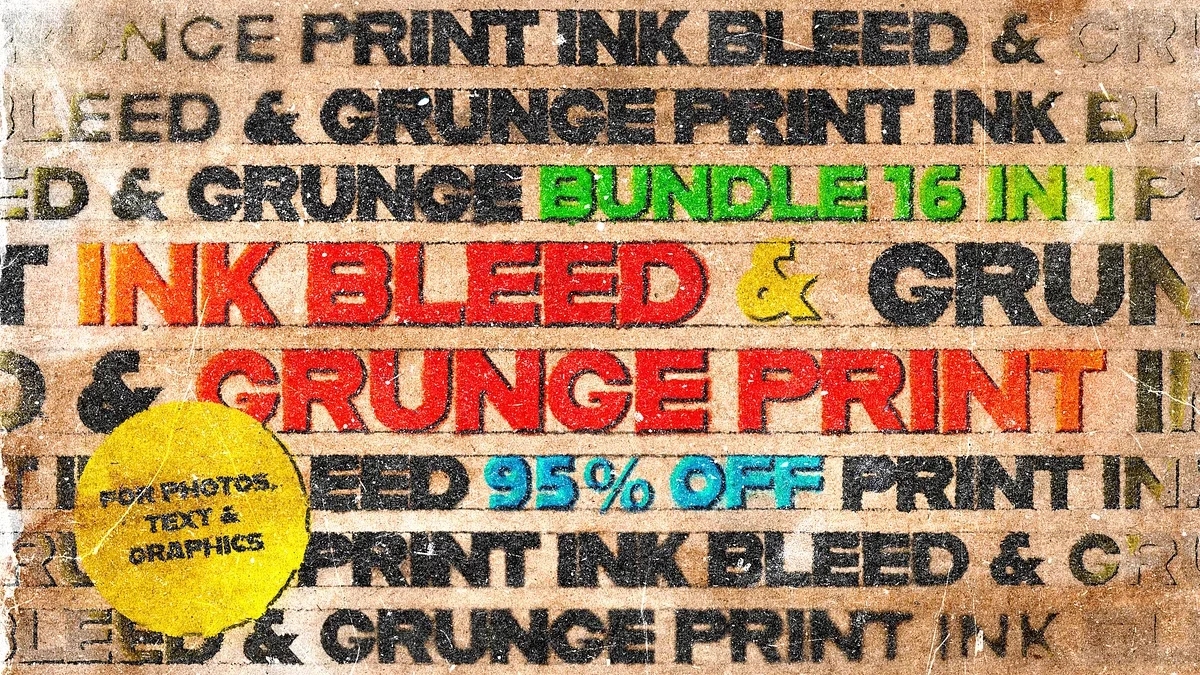
Seriously, many so-called grunge packs just stack noise on a flat layer and call it print. But the Ink Bleed & Grunge Print Bundle by Pixelbuddha Studio tells the truth about paper instead. I tested it on posters, a logo, and a zine spread. In my view, its ink bleed beats every one-click grunge filter I own.
Please note that these effects require Adobe Photoshop. The latest version can be downloaded from the Adobe Creative Cloud website. An active Creative Cloud subscription is required. Visit this link.
What Is the Ink Bleed & Grunge Print Bundle?
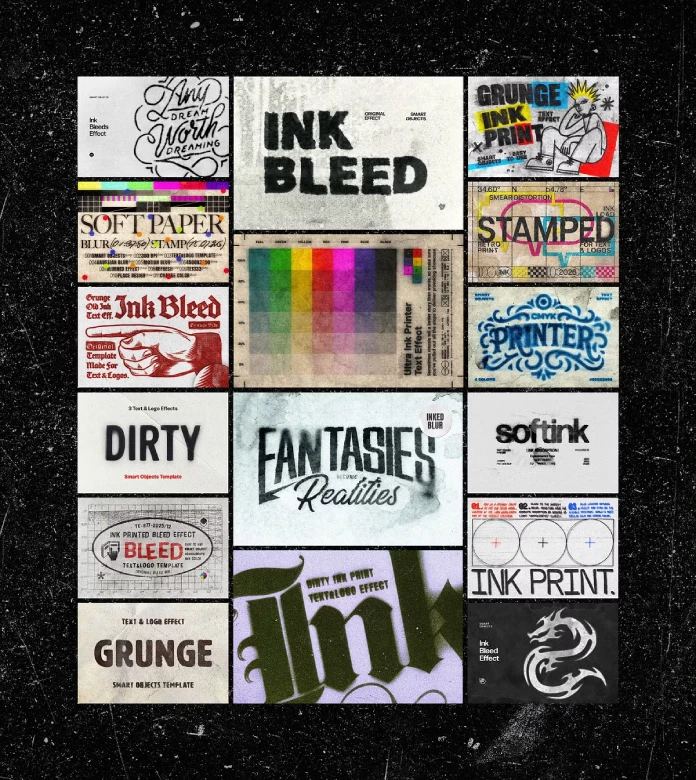
It is a set of 16 ink and print effects in PSD format. Pixelbuddha Studio sells it on Creative Market. Each file measures 4500 x 3000 px at 300 dpi. That equals 15 x 10 inches at full print resolution.
Every scene runs on smart objects. You double-click a layer, paste your type, logo, or photo, and save. The ink bleed updates right away. You never rebuild a thing.
The bundle covers four looks. Soft bleeds, dirty stamps, riso misprints, and grunge overprints. The paper stocks include kraft and newsprint, plus faded offset sheets. The risograph-style passes add misregistered CMYK and halftone.

Why Does Ink Bleed Beat a Grunge Texture?
A texture sits on top of your design. Ink sinks into it. That difference decides whether a print effect feels honest.
I call this the Fiber Test. A print effect passes the Fiber Test when the ink looks absorbed by the paper, not resting on it. Sharp edges under a noisy overlay fail instantly. Feathered edges that follow the grain pass.
This bundle passes. Edges spread into the fibers the way they do on a heavy press run on cheap stock. Grain, scratches, and ink load come baked into each sheet. You do not add them afterward.
Here is my thesis. Authentic print effects need paper and ink to interact. A filter that treats them as two separate layers will always look like a filter.
How Does the Ink Bleed Effect Behave in Real Projects?
I started with a condensed grotesque wordmark. Then I moved to a band poster, a merch graphic, and a two-page zine spread. Each file opened without fuss in the latest Creative Cloud version. Adobe recommends that version for full smart object support, and I agree.
The Soft Bleed Scenes
These are the best files in the bundle. I spent most of my testing time here, so they get the most space.
The soft bleed spreads ink outward from every letter edge. You control how far with the blur setting. At low values, type reads like a clean offset job with a slight squeeze. At high values, letters swell and soften like a marker on newsprint.
The sweet spot sits in the middle. I pushed the blur until the counters of a lowercase “e” almost closed, then pulled it back a notch. That point gave me the most convincing ink bleed without killing legibility. Hairline type under 8 pt disappeared completely, so choose a heavier weight.
Ink color matters just as much. You change it inside the smart object, and the bleed recolors with it. A warm black on kraft looks far better than pure black. Try it before you judge the pack.
Dirty Stamps and Riso Misprints
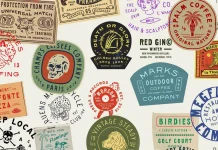
The stamp scenes work well for logos. They add uneven pressure and patchy coverage.
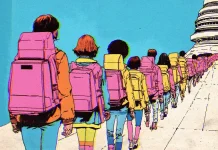
The riso misprints use misregistered CMYK and halftone. The offset between colors gives a screen-printed zine look. It suits album art perfectly.
Grunge Overprints
These layer scratches and heavy ink over your art. They are loud. I used one on a skate-brand mockup, and it carried the whole layout.
Who Should Use This Grunge Print Effect PSD Bundle?
The listed uses are broad. They include band and gig posters, album covers, streetwear graphics, logo treatments, and zine spreads. Packaging, label art, social drops, and skate-brand identity round out the list.
I would add a niche use. Small studios can use the bundle to prototype a printed look before paying a printer. A client sees worn paper and bleeding ink in ten minutes. That saves a round of sample proofs.
Pure minimalists will find less here. Corporate annual reports will not benefit either. This is a tool for designers who want a rough, tactile finish.
What Are the Limits of a Photoshop Smart Object Mockup?
Smart objects stay editable, which helps. They also re-render slowly when you stack many adjustments. Expect a short pause every time you swap art.
The effect also lives at 4500 x 3000 px. Larger print jobs need upscaling, and upscaling softens the paper grain. For a 24 x 36 in poster, I would test a proof first.
Raster effects cannot become vector files either. If your client needs scalable artwork, keep the clean vector master. Use the bleed version for display only.
Where Will Ink Bleed Design Go Next?
I expect imperfect print looks to grow through 2027. Screens feel smooth and sterile now. Brands want visible proof of human hands, and ink bleed delivers it cheaply.
I also predict a split. Cheap overlays will flood social feeds. Effects that pass the Fiber Test will earn the client work. Designers who learn to tune blur and ink color will win those jobs.
Ink Bleed & Grunge Print Bundle at a Glance
| Feature | Detail |
|---|---|
| Publisher | Pixelbuddha Studio (Creative Market) |
| Format | PSD for Adobe Photoshop |
| Number of effects | 16 ink and print effects |
| Canvas size | 4500 x 3000 px at 300 dpi |
| Print size at 300 dpi | 15 x 10 in |
| Editable parts | Smart objects for text, logos, and photos |
| Looks | Soft bleeds, dirty stamps, riso misprints, grunge overprints |
| Paper stocks | Kraft, newsprint, faded offset sheets |
| Best software | Latest Photoshop Creative Cloud version |
| Best for | Posters, album covers, merch, zines, packaging |
Frequently Asked Questions
What is an ink bleed effect in Photoshop?
An ink bleed effect simulates ink spreading into paper fibers. It softens and feathers edges so type and graphics look printed instead of digital.
How many effects does the Ink Bleed & Grunge Print Bundle include?
The bundle includes 16 ink and print effects as PSD files. Each file has adjustable settings.
What resolution are the files?
Each file measures 4500 x 3000 px at 300 dpi. That equals 15 x 10 inches at print resolution.
Do I need the latest Photoshop version?
Pixelbuddha Studio recommends the latest Creative Cloud version for full smart object support. Older versions may handle some features poorly.
Can I change the ink color?
Yes. Open the smart object, choose your ink color, and save. The bleed and blur settings stay adjustable.
Which projects suit a riso misprint effect in Photoshop?
Album covers, zines, and gig posters suit it best. The misregistered CMYK and halftone passes mimic risograph prints, and the kraft sheets add a warm brown base.
Browse WE AND THE COLOR’s Templates category for more.
Subscribe to our newsletter!